WarbaBank

Clear Search
Fraud incidents
Warba Mobile Bank Application introduces Western Union , an international send money service which provides the opportunity to customers to send money internationally to selected beneficiaries with just a few taps!
Why send money through Western Union?
  • Quick and easy
  • Competitive FX rates
  • Tracking transaction status
  • Instant cash receiving by beneficiary
  • Multiple payout channels worldwide
  • Guarantee for beneficiary to receive full amount
  • Loyalty programs and transfer discounts
  • Send money 24 hours all week

How to add a beneficiary:

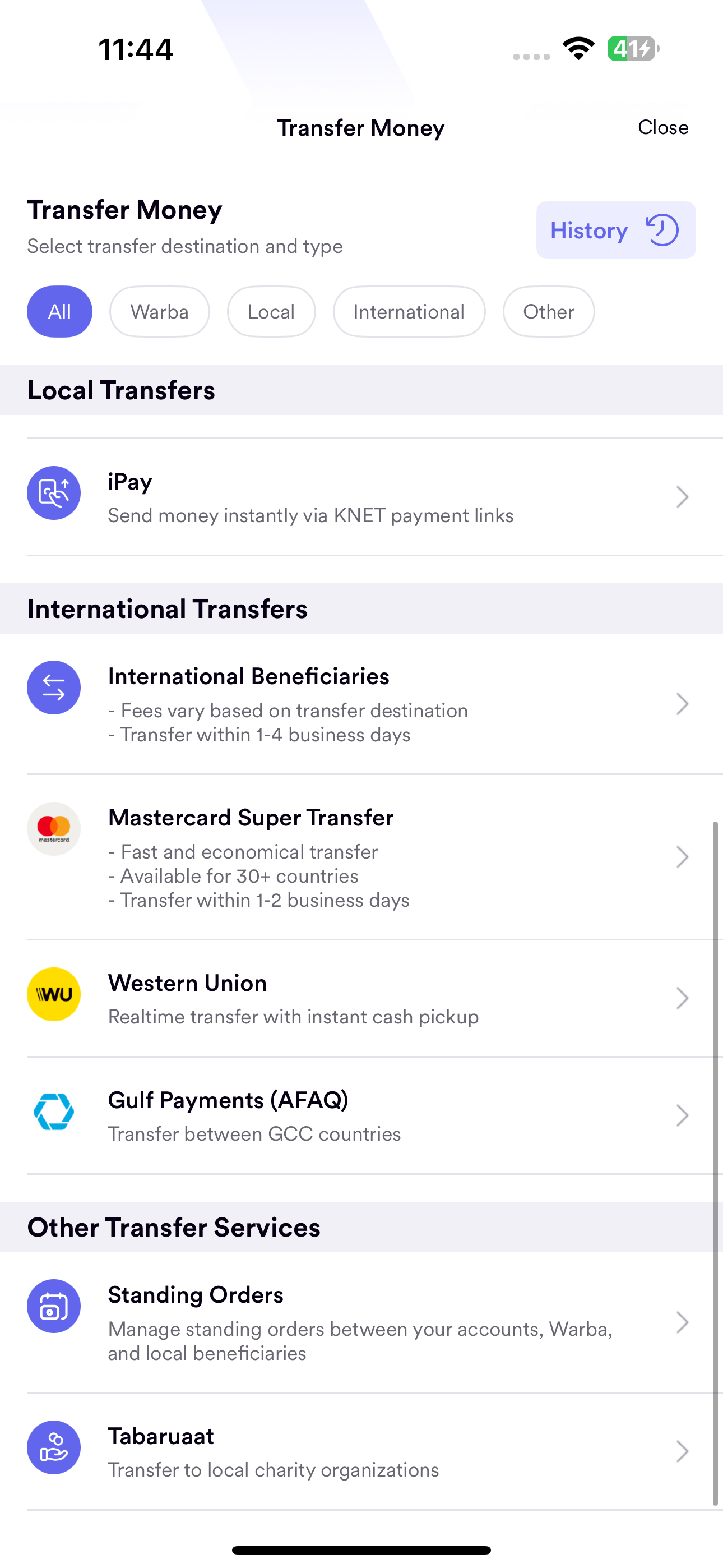
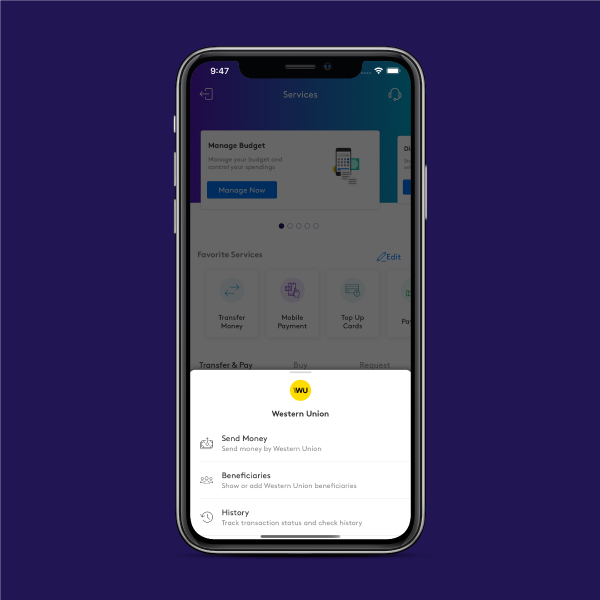
1-Visit services screen, Click on Transfer/Pay Tap


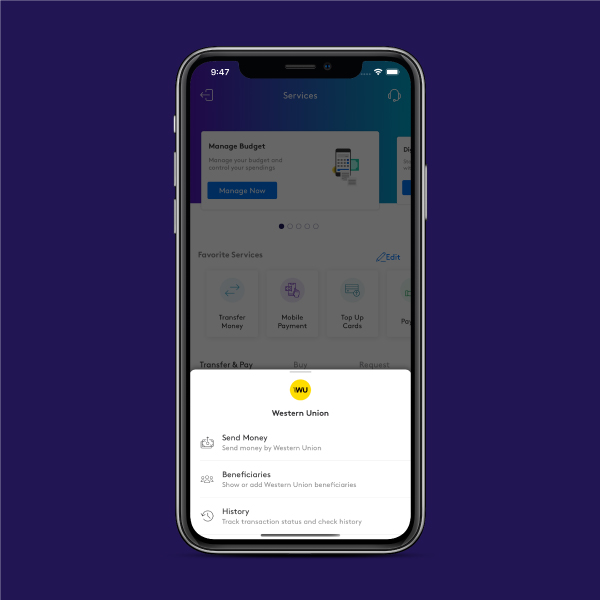
2-Click On “ Western Union”


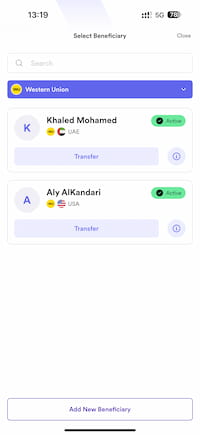
3-Click on “Beneficiaries” to add a new Beneficiary


How to track your transfer or Cancel

1-Click on “Western Union “


2-Select “History " Tap


3-View your transaction details/status
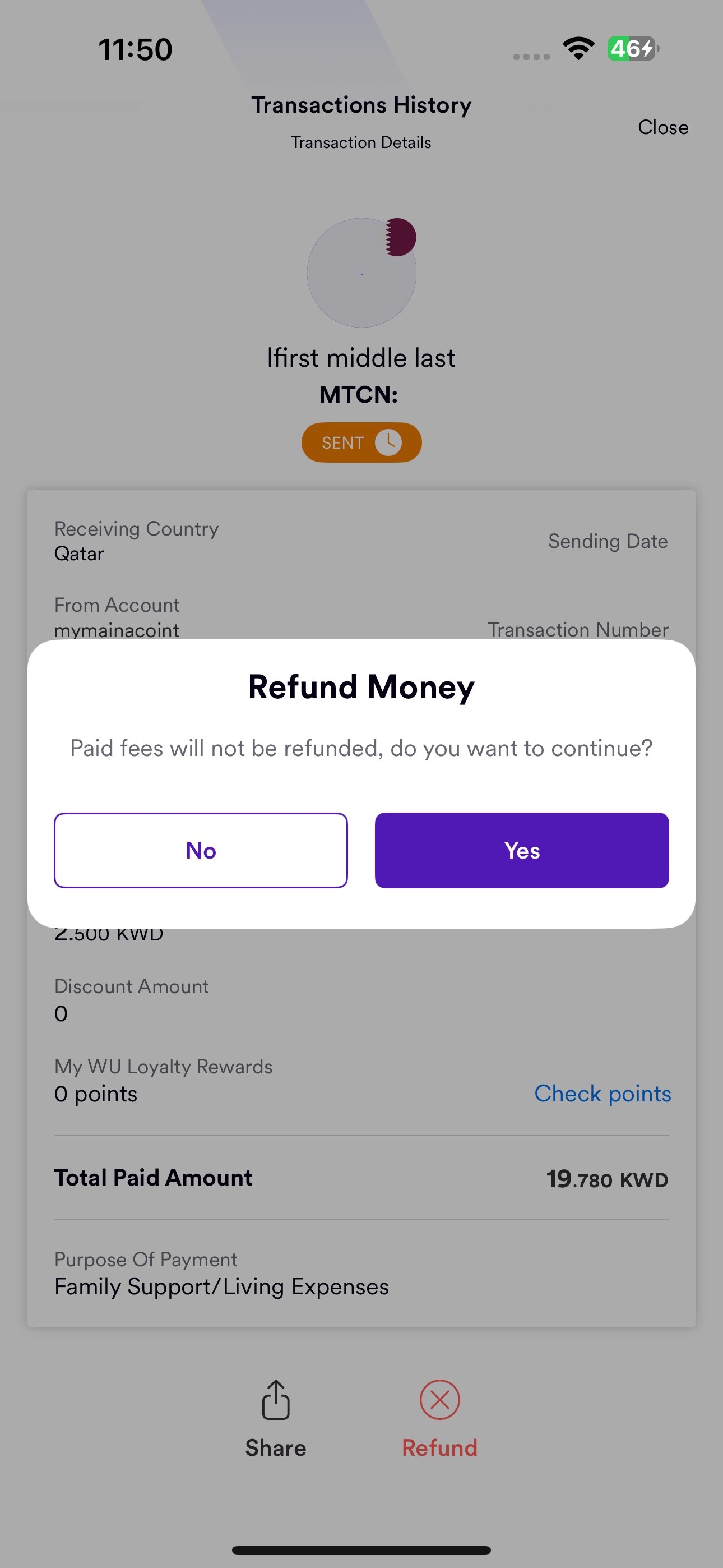
 

4-To cancel transaction, click on Refund Money

How to send money

1 Click on “Western union”


2- Select “Send Money"
 

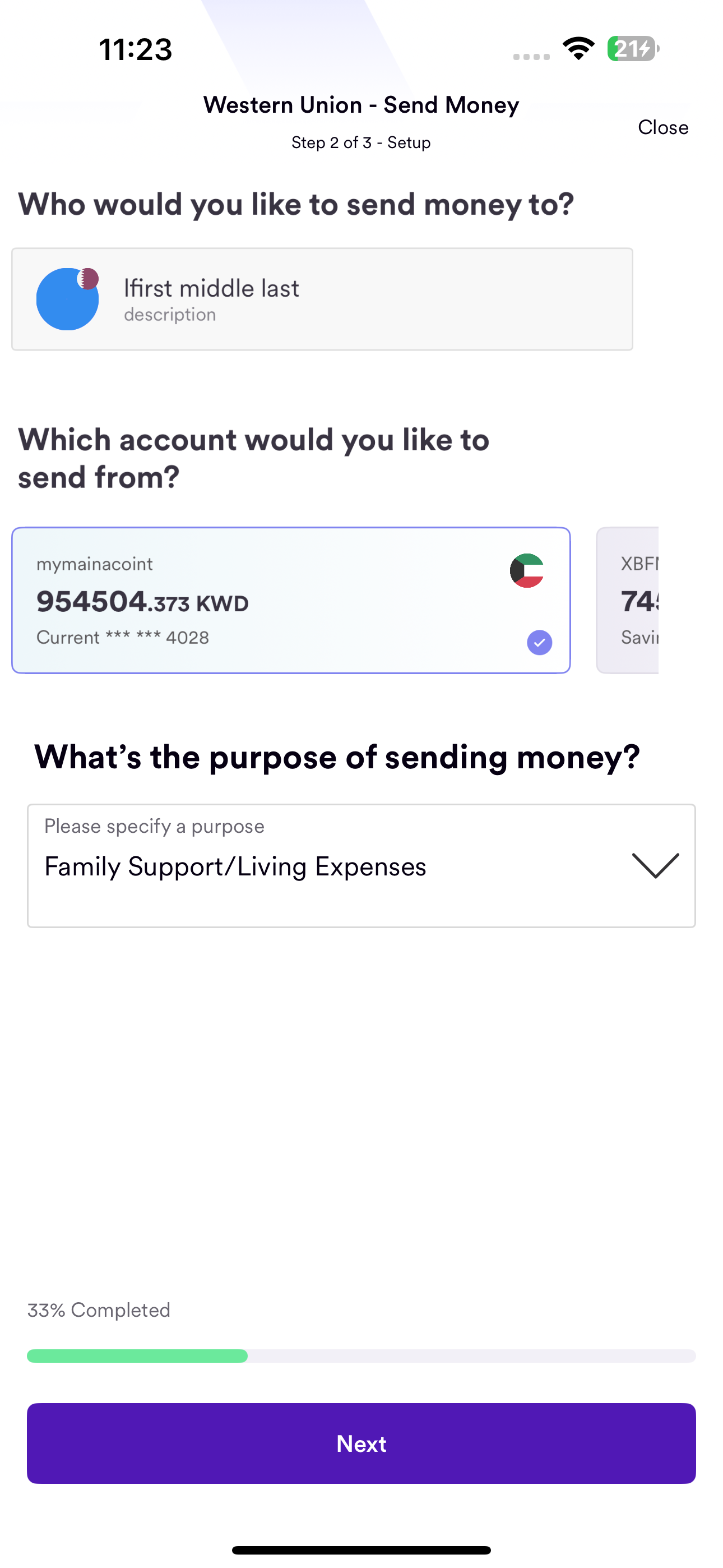
3- Select Beneficiary & Payment account
 

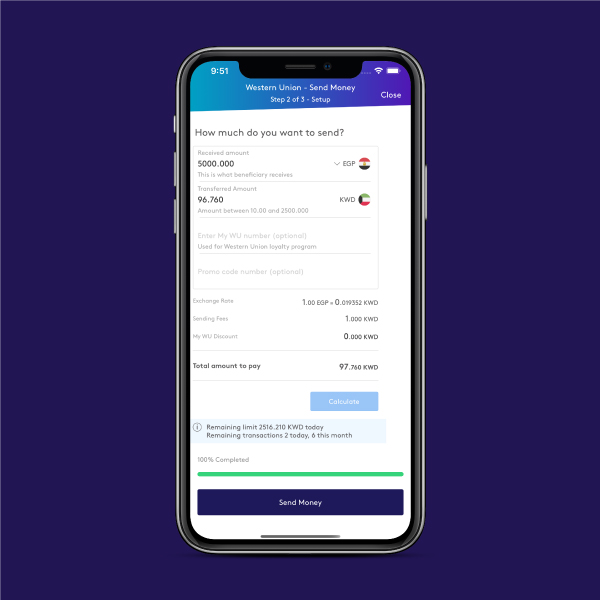
4-Press calculate to view Exchange rates/ Fees
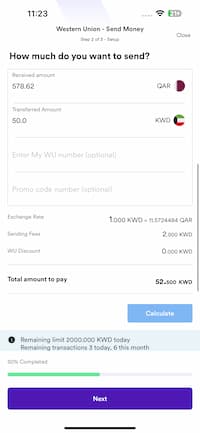
 

5-Click on “send

Tools