
How to create a "Hassala" (moneybox)?
Start Hassala
Create Hassala from the main page of the app
.jpg)
Select Your Goal
Determine the goal you want to save for

Fund Your Goal
The Hassala calculates the amounts expected to be saved monthly or weekly from one of your accounts according to the specified period
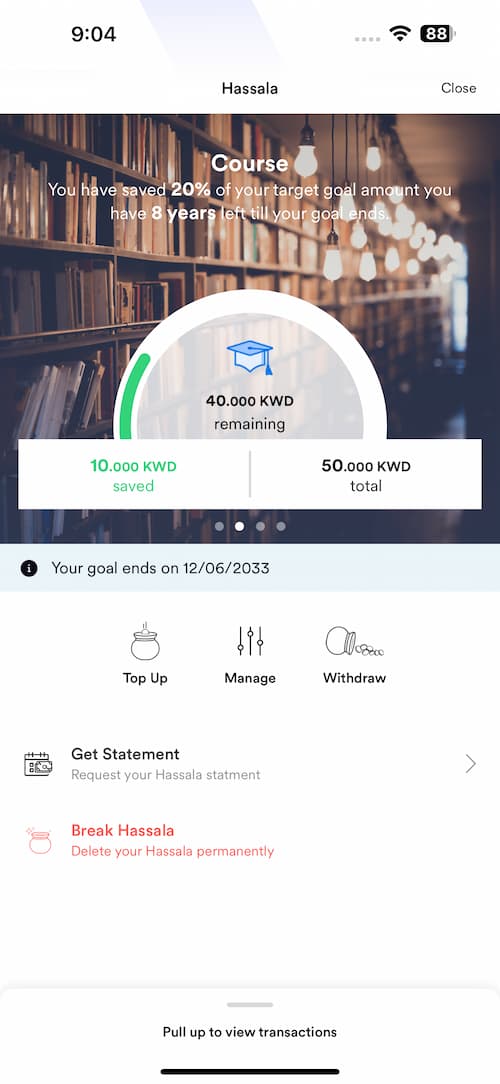
Ways to Save in Hassala
Kharda
Transfer all the remaining files into your Hassala daily
Save as you spend
A predefined amount will be matched with every POS transactions you make on your account, will be saved in your Hassala
Sweep
Is a funding method applied by the user which transfers any excess amount above their set account threshold to the Smart Savings account
Automated Transfer
Is a standing order defined by the user either weekly or monthly transfer
TopUp
Is a manual funding transaction initiated by the user at any moment